Hormel · 2027 benefits book
How to suggest a change to your book
If something in your group's 2027 book is wrong, you can tell us right on the page. There is no account to create, no password to remember and no special link: you type your name, and this browser remembers it.
Take the one-minute guided tour
The tour opens a book and shows each step on the real page, with a voice and captions. It is a demo, so nothing you do in it is saved.
Or follow these six steps
- Open your group's book. Start from the review site in the email Mojo sent you and open your group's 2027 book.
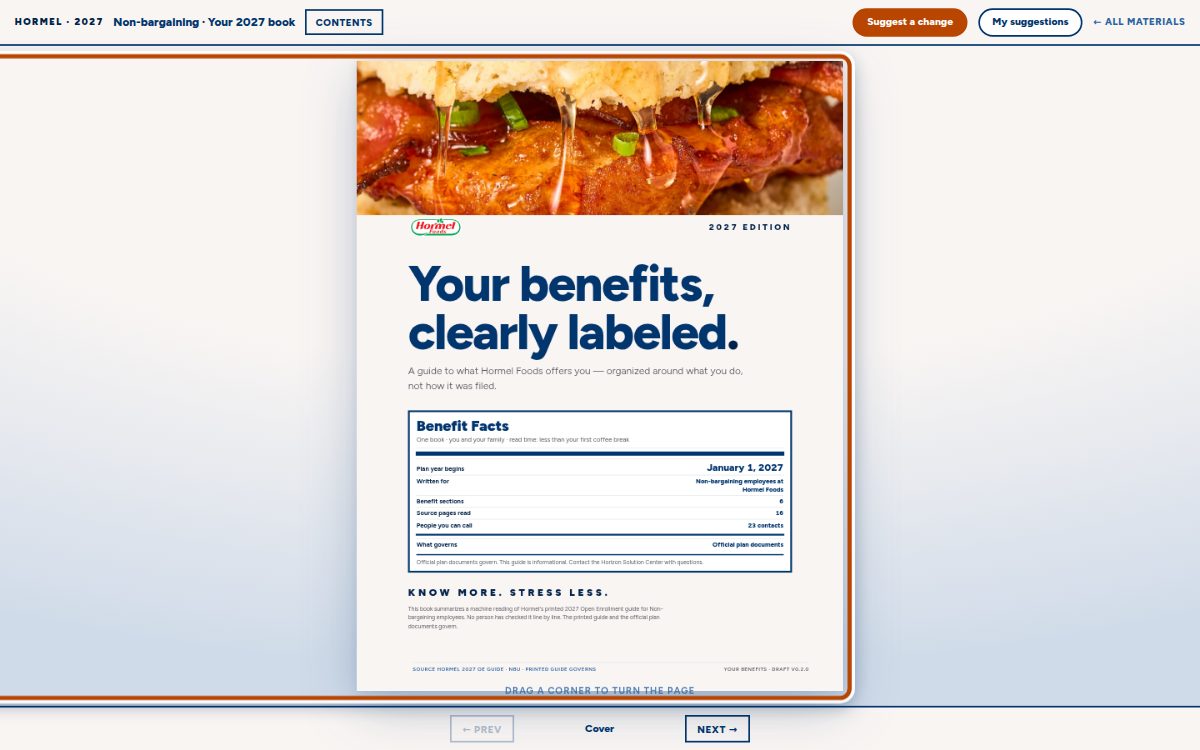
- Press “Suggest a change.” It is the orange button at the top right of the page.
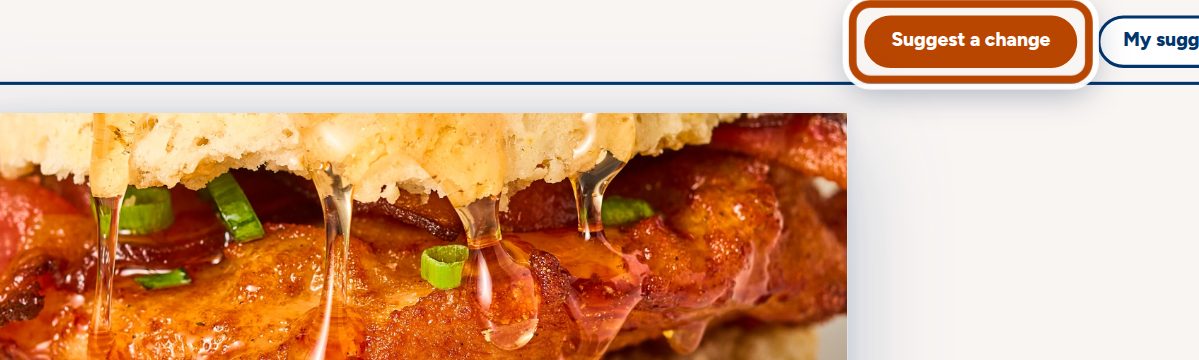
- Click the words that are wrong. Turn to the page you want to fix and click the words. They get an orange outline.
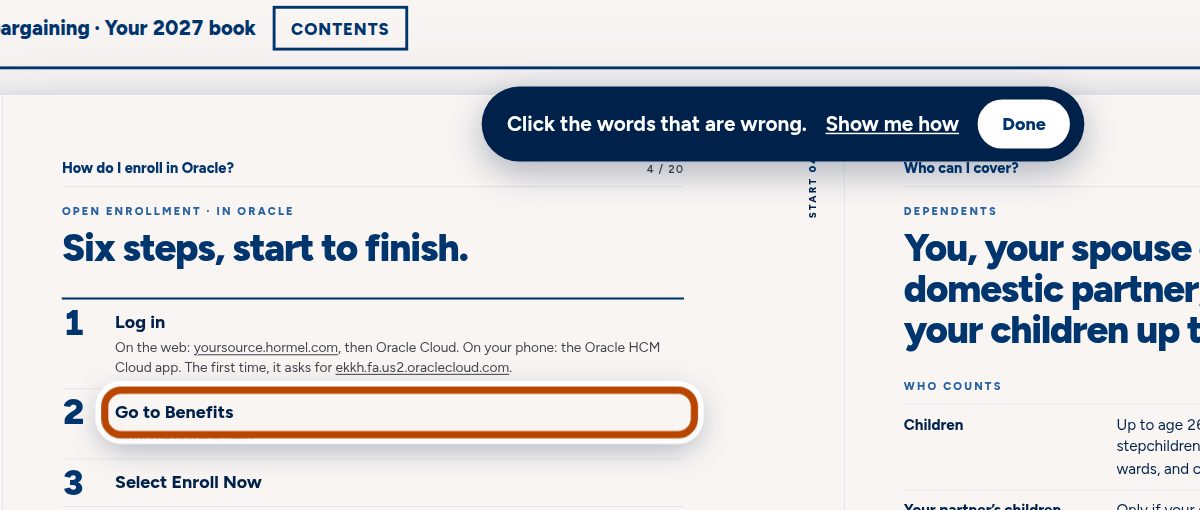
- Type what it should say. A box opens. The top shows what the book says now. Type the correct words in the box under it. If it helps, add a note, for example where the correct figure came from. The first time, type your name too.
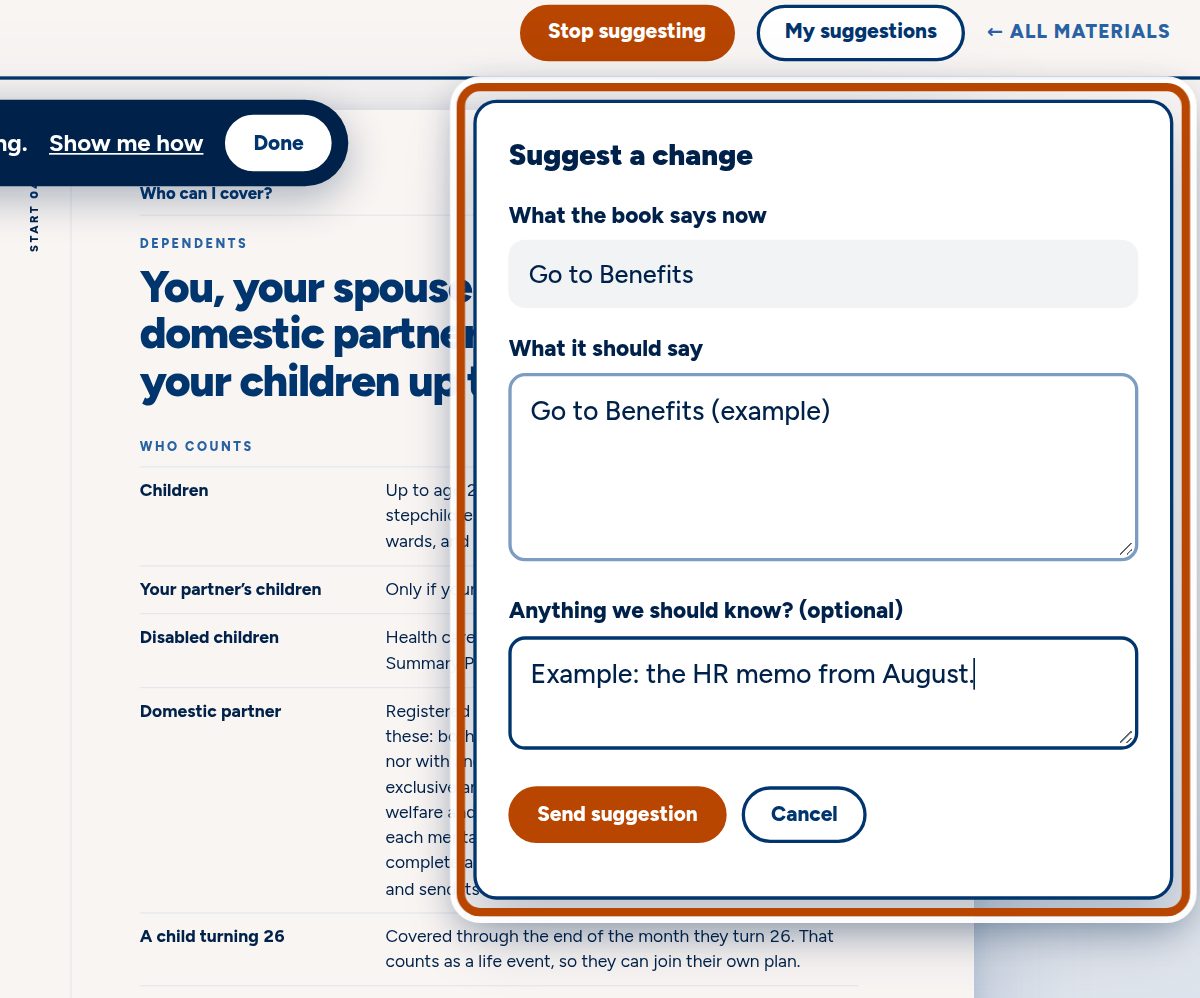
- Press “Send suggestion.” When you see “Received,” we have it. You can press “Suggest another” to keep going.
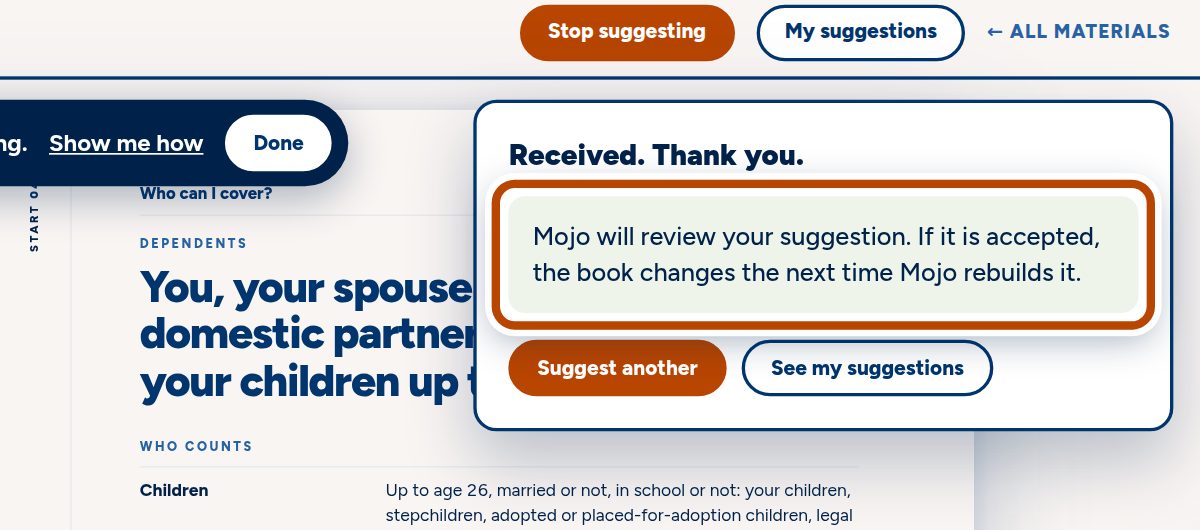
- Check “My suggestions” any time. It lists every change you have sent from this browser and where each one stands.
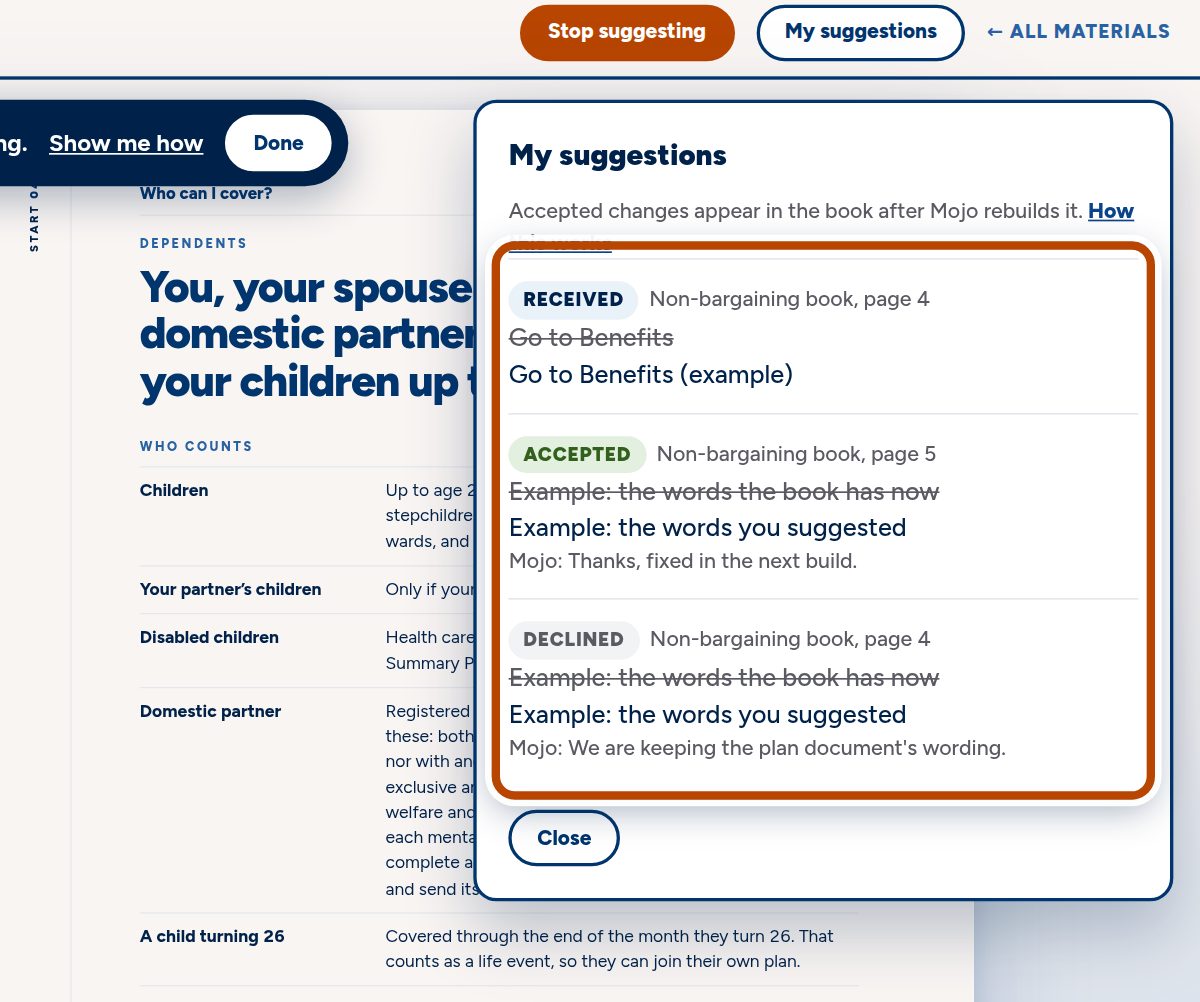
The pictures show a demo account. The words marked “(example)” are not real changes.
What happens next
Mojo reviews every suggestion before anything changes. You can check where each one stands under My suggestions:
- Received We have it and haven't decided yet.
- Accepted We agree. The change appears in the book the next time Mojo rebuilds it, so it will not show up the moment you see this.
- Declined We are keeping the current wording. If we left a reply, you will see it under the suggestion.
Anyone on your team can suggest
Anyone with the review site can send a suggestion under their own name, so share it with whoever should look. Use your real name: it is how Mojo knows who to ask about a change.